Turn pictures into coloring pages for free
Three steps, no watermark: upload a picture, choose the detail, then print.
- 2 free pages to start
- No watermark
- PNG to check the page
Pick a style in coloring-page mode: Classic, Anime, Kawaii or Mandala. Every style gives you pure black-and-white lines at 300 DPI and counts as one page from your balance.
Same drawing model. A paid plan asks it for a larger drawing.
No watermark · Choose a photo to start
See what your photo becomes

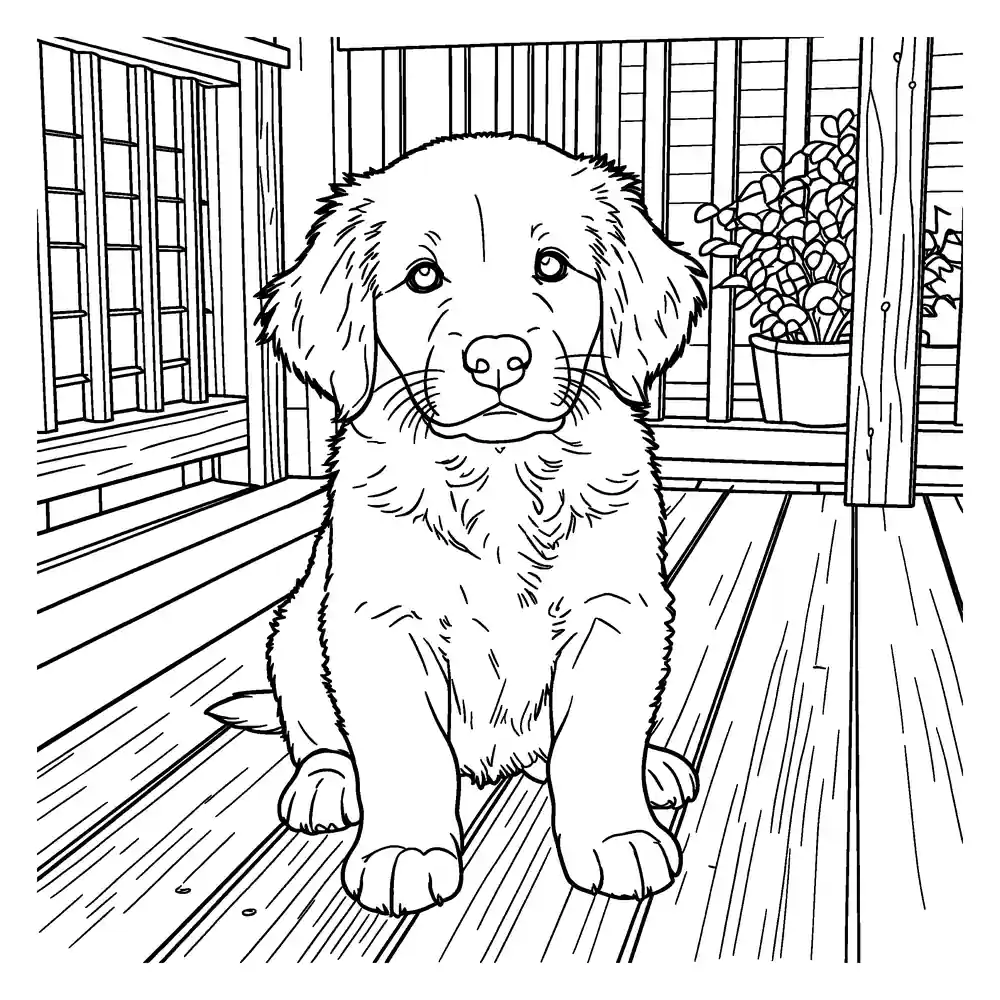
Upload a photo to get a clean, printable black-and-white coloring page. Download a PNG to check it. A print-ready PDF comes with a page pack or plan.
- 2 free pages for new accounts — no watermark
- PNG to check the page · PDF with a page pack or plan
- Photo deleted from our servers within 24 hours
Coloring pages and line art are made by our AI provider, fal.ai, which processes your photo under its own terms. Requests and outputs are kept in fal's request history for about 90 days, and output links expire after about 1 hour. Outlines are traced on our servers without AI. We delete your photo from our storage once the page is made (24 hours at most), and results after 7 days or right away with Delete now. Privacy
How it works
- 1
Upload
Drop a picture into the box above.
- 2
Choose detail
Simple for younger kids, Detailed for older kids and adults.
- 3
Print
Download a PDF for A4 or US Letter and print it at home.
What “free” means here
Sign in with Google and your new account gets a set of free pages. Your balance is shown under the Generate button. Pages have no watermark. Regenerating a page uses one more page. If a page fails for a technical reason, the page is returned to your balance.
Frequently asked questions
Is it free?
Yes. Sign in with Google and your account gets 2 free AI coloring pages and line art drawings to start, with no watermark. Outlines are free for everyone, up to 100 a day. Coloring books and monthly plans are on the pricing page.
Do I need an account?
Yes. Sign in with Google to generate AI pages; your free pages and files stay with your account. The outline tool is open to everyone.
What happens if a page fails?
If a page can't be made for a technical reason, the page it used is returned automatically. In a coloring book, only the failed page is returned — the others are kept.
Which paper sizes can I print on?
Every page can be downloaded as a PNG. A PDF sized for US Letter (8.5 × 11 in) or A4 (210 × 297 mm) comes with a page pack or monthly plan. Outlines, which don't use your AI pages, can still be downloaded as a PDF. We guess the paper size from your browser language, and you can switch it before downloading.
One page is free. A whole book is better.
Collect your pages into a photo coloring book with a cover, as a PDF for A4 and US Letter.