Image to coloring page converter
Not just photos: turn a screenshot, a scanned drawing, a cartoon you made or a picture you took into a clean coloring page.
- Free daily pages
- No watermark
- No account needed
- Print-ready PDF
Pick a style in coloring-page mode: Classic, Anime, Kawaii or Mandala. Every style gives you pure black-and-white lines at 300 DPI and counts as one of your daily pages.
Free, no watermark · Choose a photo to start
See what your photo becomes
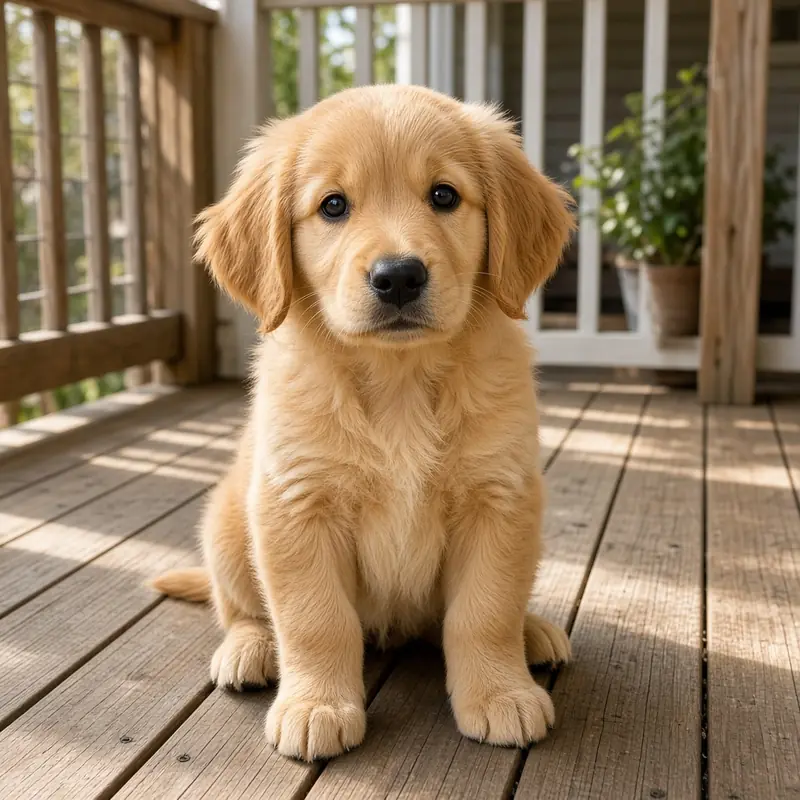
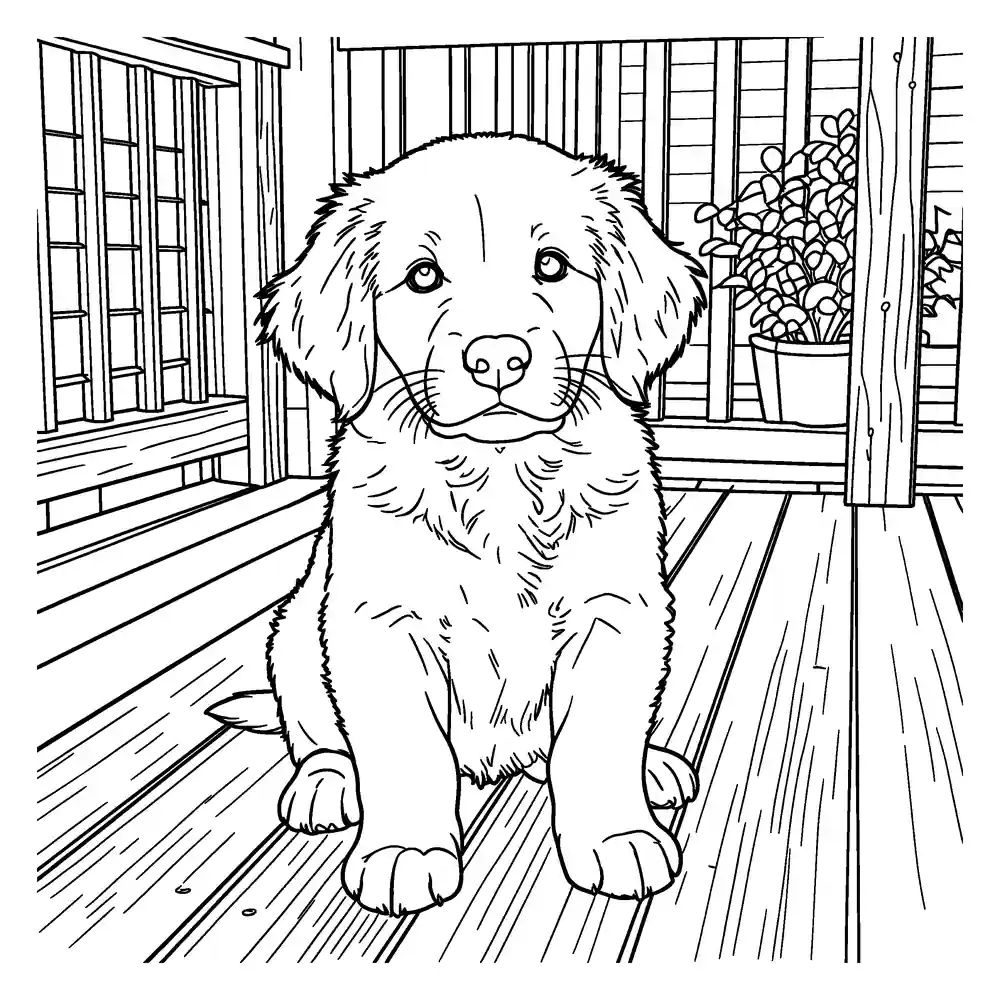
Upload a photo to get a clean, printable black-and-white coloring page. Download it as PNG or a ready-to-print PDF.
- Free daily pages — no watermark, no account
- PNG or print-ready PDF (A4 / US Letter)
- Photo deleted from our servers within 24 hours
Coloring pages and line art are made by our AI provider, fal.ai, which processes your photo under its own terms; we send it with fal's request storage turned off. Outlines are traced on our servers without AI. We delete your photo from our storage once the page is made (24 hours at most), and results after 7 days or right away with Delete now. Privacy
How it works
- 1
Add any image
JPEG, PNG, WebP or HEIC. We resize it in your browser before upload.
- 2
Choose detail
Simple, Standard or Detailed.
- 3
Download
PNG, or a PDF sized for A4 or US Letter.
Works with more than photos
- Kids' drawings: turn a crayon sketch into crisp outlines they can color again.
- Screenshots and simple graphics: get bold, closed shapes.
- Photos: people, pets, places and objects.
About characters and copyrighted images
Only upload images you have the right to use. If an image shows a trademarked or copyrighted character, it's up to you to make sure you're allowed to use it. We don't offer ready-made character coloring pages.
Frequently asked questions
Which image formats are supported?
JPEG, PNG, WebP and HEIC (iPhone) images up to 10 MB after resizing. Your browser converts the image to a resized JPEG before it is uploaded.
My image is small or blurry. Will it work?
Small images can work, but fine details may be lost. Choose Simple for low-resolution images — it keeps only the main shapes, which usually prints more cleanly.
What happens if a page fails?
If a page can't be made for a technical reason, the free page it used is returned automatically. In a coloring book, only the failed page is returned — the others are kept.
What happens to my photo?
Your photo stays in your browser until you click Generate. For coloring pages and line art it is then sent to our AI provider, fal.ai, which makes the drawing. We send it with fal's request storage turned off, so it isn't kept in fal's request history, but fal processes it under its own terms and privacy policy. Outlines are traced on our own servers and never go to an AI provider. We delete the photo from our storage right after the page is ready (24 hours at most). Results are deleted after 7 days, or when you click Delete now.
One page is free. A whole book is better.
Collect your pages into a photo coloring book with a cover, as a PDF for A4 and US Letter.