How to make a personalized coloring book gift from your photos
Choose up to 12 photos that mean something to the person you're giving it to, turn each one into a coloring page, and add a cover with a title and their name. You download the book as printable PDFs in both US Letter and A4, then print it at home or take it to a local print shop. It's free, with no account and no watermark.
- Free daily pages
- No watermark
- No account needed
- Print-ready PDF
Build your coloring book
Add up to 12 photos. Each becomes a page; then preview and download one PDF in A4 and US Letter.
0 / 12 pages
No pages yet. Add photos here, or use “Add to coloring book” after generating a page with any of our tools.
Coloring pages and line art are made by our AI provider, fal.ai, which processes your photo under its own terms; we send it with fal's request storage turned off. Outlines are traced on our servers without AI. We delete your photo from our storage once the page is made (24 hours at most), and results after 7 days or right away with Delete now. Privacy
How it works
- 1
Add the photos
Each photo becomes one page. You can change the detail level or regenerate any page before you finish.
- 2
Design the cover
Type a title such as "Grandpa's Garden", add an optional name such as "For Mia", and pick one of your pages as the cover picture.
- 3
Preview, download and print
Check the cover and every page, then download the book as A4 and US Letter PDFs and print it at home or at a local print shop.
Want a different look? Pick a style before you generate:
- Classic: the closest to your photo. Choose this when likeness matters most.
- Anime: clean outlines and slightly bigger eyes, with a lighter stylized look that keeps age cues like wrinkles and hairline.
- Kawaii: soft, rounded lines, eyes with white highlights and little decorations like hearts and stars. It keeps age cues like wrinkles and hairline, with a lighter style than a full cartoon.
- Mandala: symmetrical patterns fill the background, with faces, hair and clothes left clean. Your subject keeps its size and position, so when it fills the frame there is less pattern.
Choosing photos for a gift
- Tell a story: a year in the recipient's life, one trip, or a theme like "all the grandkids" or "every dog we've had".
- Mix close-ups with wider scenes. A book of only group shots gets repetitive, and the faces are small.
- Put the recipient on at least one page. People enjoy coloring themselves.
- Match the detail to who will color it: Simple for toddlers, Detailed for adults who like fine coloring.
- Every book page is printed portrait. Landscape photos still fit, but they print smaller, so crop your favorites to portrait if you can.
- Skip very dark or blurry photos; they give fewer clean lines.
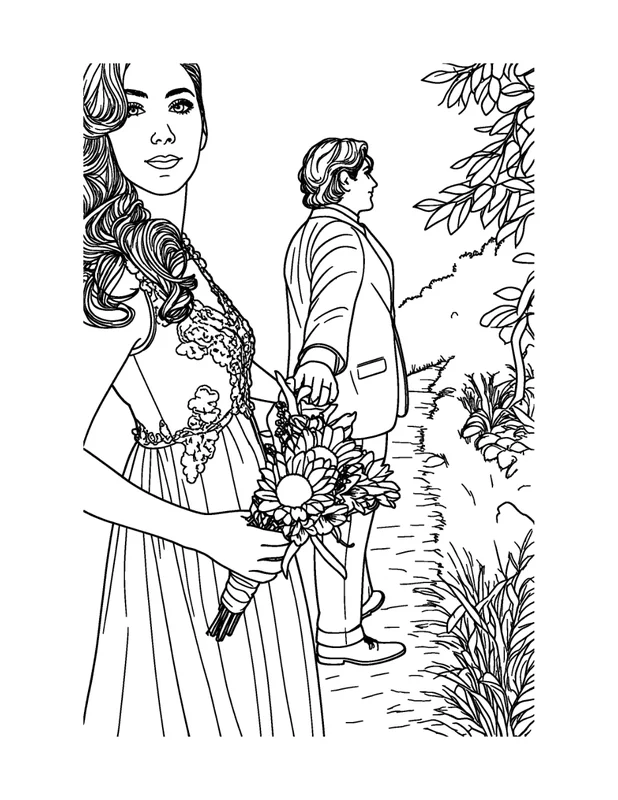
Portrait photo
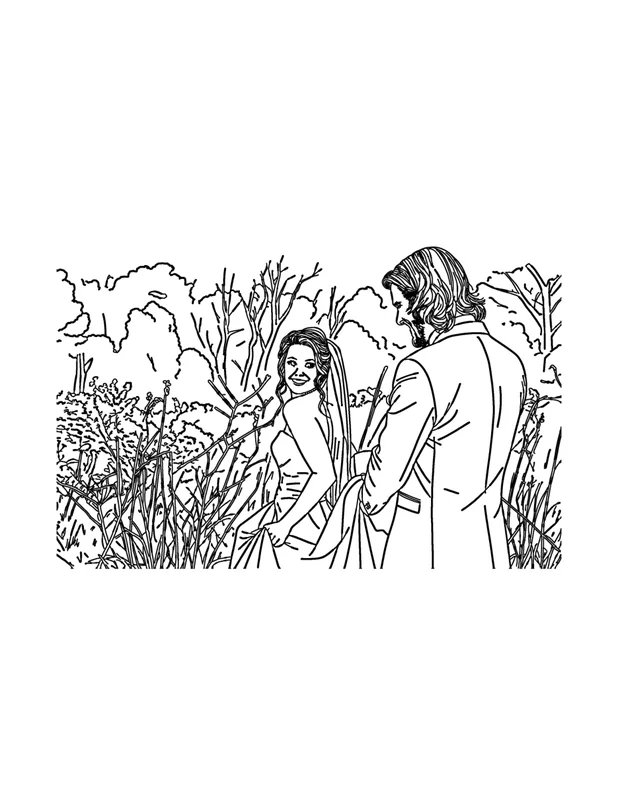
Landscape photo
Printing and binding the book yourself
The book is a PDF; we don't print or ship books. Here are simple ways to turn the PDF into a gift:
- Print single-sided so markers don't bleed through onto the next picture. Heavier paper holds up better to markers.
- Take the PDF to a local print or copy shop and ask for spiral or comb binding.
- At home: staple the stack along the left edge, or punch holes and tie it with ribbon or binder rings.
- Wrap it with a pack of crayons or colored pencils so it's ready to use.
- Books are deleted from our storage after 7 days, so save the PDF as soon as you download it.
Gift ideas
- For grandparents: photos of the grandkids that they can color together on the next visit.
- Birthday party favors: make one book and print a copy for every guest.
- A big-sibling book for a child welcoming a new baby, full of photos of the family.
- A thank-you for a coach or caregiver, made from photos you have permission to use.
- A travel memory book from a family trip, for the next long car ride.
- An anniversary book made from your wedding photos: see our wedding and anniversary coloring book guide.
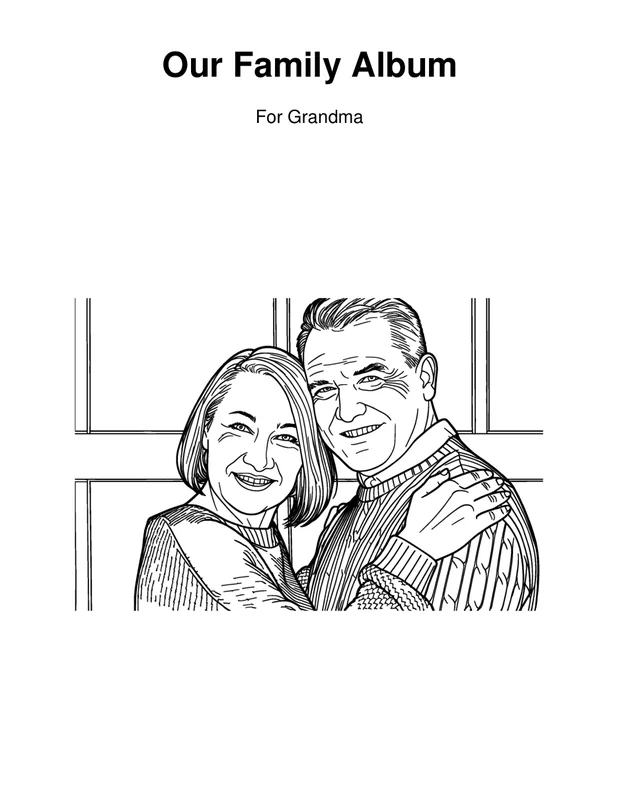
Cover
What you get
- A coloring book of up to 12 pages plus a cover with your title and an optional name.
- Two PDFs of the same book: US Letter (8.5 × 11 in) and A4 (210 × 297 mm).
- No watermark on the cover or the pages, and no account needed.
- Free: each page uses one of your 15 free AI pages for the day.
- No public gallery: your photos are deleted from our storage once the pages are made (24 hours at most).
Frequently asked questions
How many pages can a personalized coloring book have?
Up to 12 pages plus the cover. Each page uses one of your free daily pages, and you get up to 15 a day.
Can I put the recipient's name on the cover?
Yes. Add a title and an optional name, such as "For Mia", and choose one of your pages as the cover picture.
Do you print the book for me?
No. The book is a PDF that you print at home or take to a local print shop. Spiral or comb binding from a copy shop makes it feel like a real book.
Which paper size do I get?
Both. Every book is created as two PDFs, one for US Letter and one for A4, so you can print it wherever the recipient lives.
How long can I download the book?
Books are deleted after 7 days, or earlier if you click Delete now. Save the PDF to your device as soon as it's ready.
Can I make party favors for a group of kids?
Yes. Make one book and print as many copies as you need; printing copies doesn't use any free pages.