How to turn family photos into coloring pages
Pick a family photo or scan an old print, upload it, and download a printable black-and-white coloring page as a PNG or a Letter or A4 PDF. Older photos work too if the scan is sharp. Up to 15 pages a day are free, with no account and no watermark.
- Free daily pages
- No watermark
- No account needed
- Print-ready PDF
Pick a style in coloring-page mode: Classic, Anime, Kawaii or Mandala. Every style gives you pure black-and-white lines at 300 DPI and counts as one of your daily pages.
Free, no watermark · Choose a photo to start
See what your photo becomes

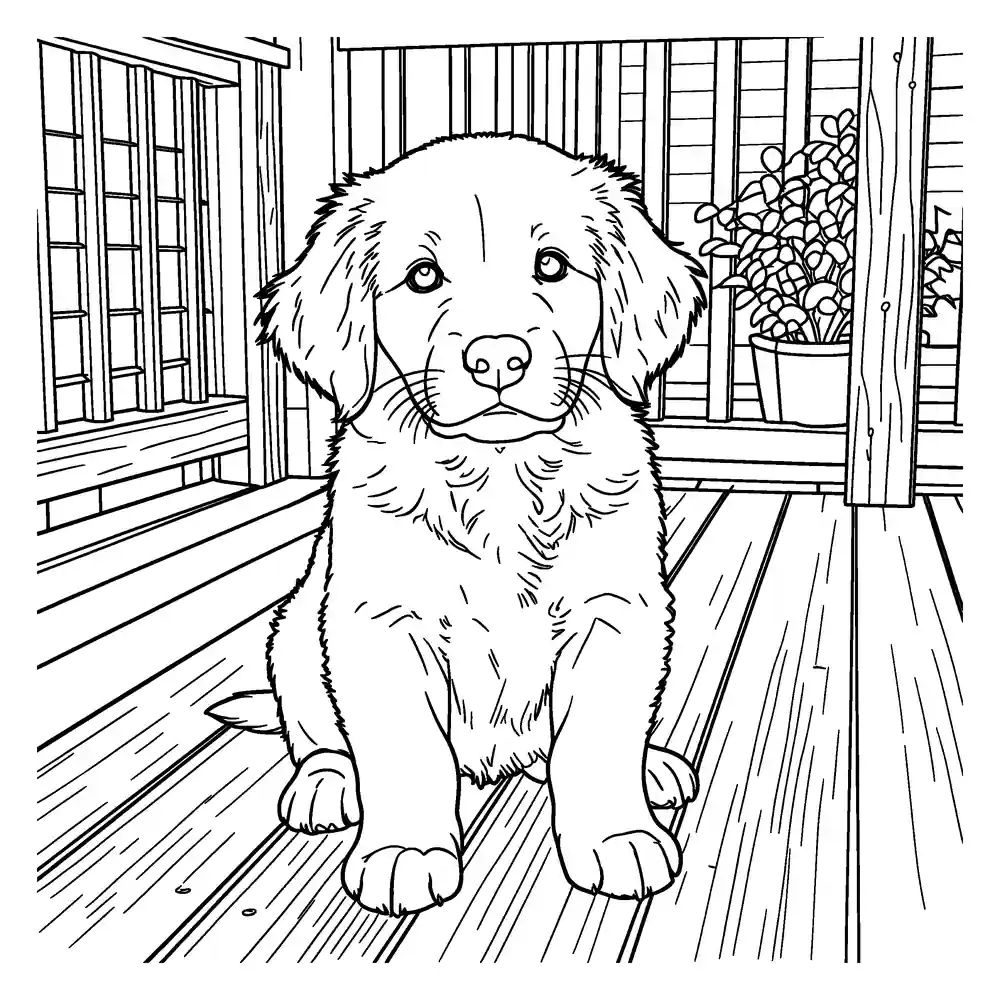
Upload a photo to get a clean, printable black-and-white coloring page. Download it as PNG or a ready-to-print PDF.
- Free daily pages — no watermark, no account
- PNG or print-ready PDF (A4 / US Letter)
- Photo deleted from our servers within 24 hours
Coloring pages and line art are made by our AI provider, fal.ai, which processes your photo under its own terms; we send it with fal's request storage turned off. Outlines are traced on our servers without AI. We delete your photo from our storage once the page is made (24 hours at most), and results after 7 days or right away with Delete now. Privacy
How it works
- 1
Choose or scan the photo
A phone photo, a digital file or a scan of a print from the family album. It stays in your browser until you click Generate.
- 2
Pick the detail for whoever is coloring
Standard suits most family and group photos. Simple is easier for young children; Detailed suits adults coloring a single portrait.
- 3
Download a page or build an album book
Get a PNG or a PDF for Letter or A4, or add the page to a coloring book with a cover (up to 12 pages).
Want a different look? Pick a style before you generate:
- Classic: the closest to your photo. Choose this when likeness matters most.
- Anime: clean outlines and slightly bigger eyes, with a lighter stylized look that keeps age cues like wrinkles and hairline.
Tips for old photos and scans
- Scan the print if you can. If you photograph it instead, lay it flat in daylight, hold the phone parallel to the print and avoid glare on glossy paper.
- Crop out album pages, white photo borders and handwritten captions before uploading, or they will be drawn as part of the page.
- Faded, sepia and black-and-white prints are fine: the drawing only needs visible edges. If a print is very faded, raise the contrast a little first.
- Dust, scratches and creases can turn into lines. Wipe the scanner glass and touch up large scratches before you upload.
- Small wallet-size prints need a higher scan setting so faces have enough detail.
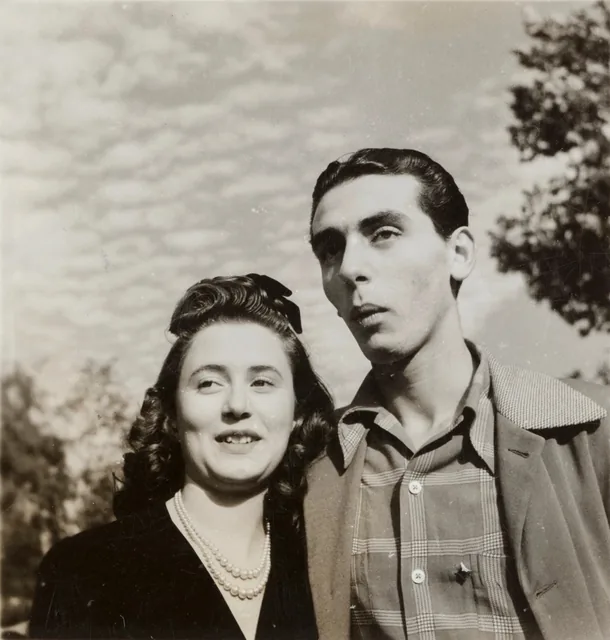
Old print
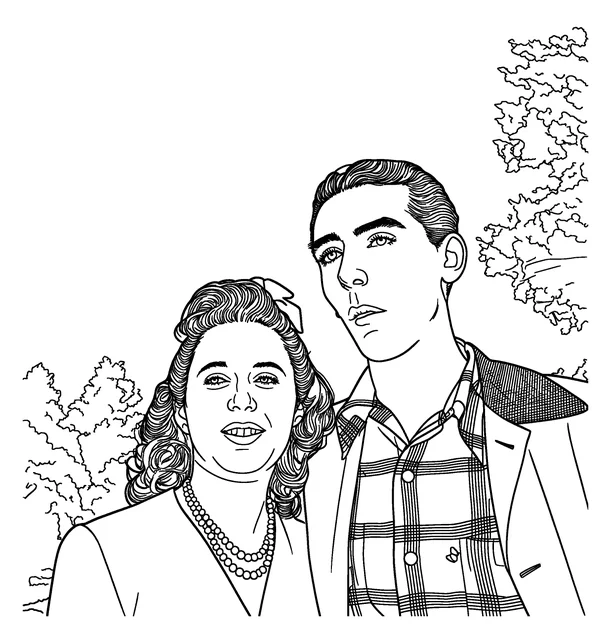
Standard
Faces in group photos
In a group shot every face is small, so faces may be simplified or look different from the photo. For the most recognizable result, crop closer, or make a separate page for each person or couple and put them together in a book. Standard or Detailed keeps more of each face than Simple.

The photo
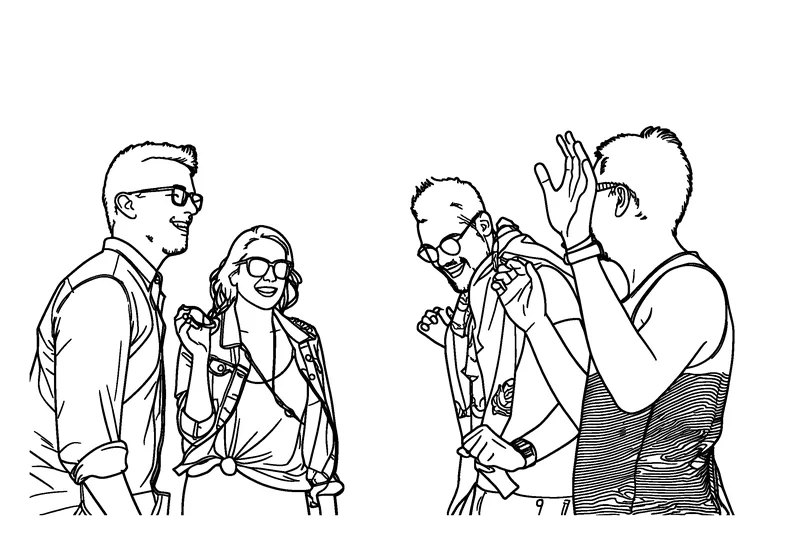
Whole photo: faces are small
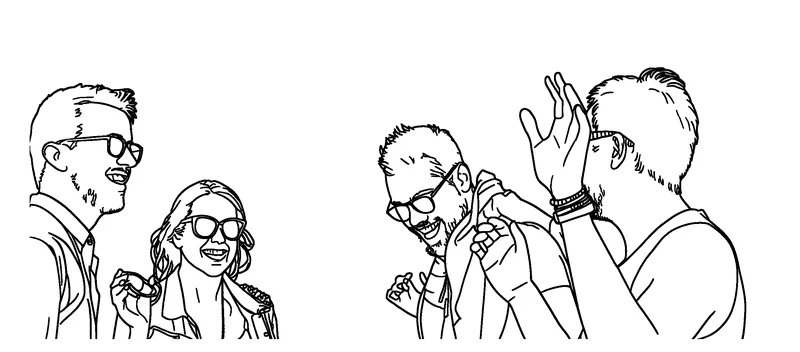
Cropped closer: faces are larger
Turning a family album into pages
- One page per generation: great-grandparents' wedding, grandparents, parents, kids. Collected into a coloring book, it becomes a family-history activity.
- A holiday series: the same tradition photographed year after year.
- A reunion table activity: print pages of the relatives who are there, and let the kids find and color them.
- For relatives far away: send the PDF so they can print it at home.
- Only use photos you took, own or have permission to use. For photos of children, you need to be their parent or guardian, or have that person's permission.
What you get
- No account needed, and no watermark.
- Up to 15 free AI coloring pages a day, reset at midnight UTC.
- A print-ready 300 DPI PNG, or a PDF for US Letter or A4.
- A coloring book option: up to 12 pages with a cover title and name, as A4 and Letter PDFs.
- No public gallery, and we never use photos of children as examples on the site. Your photo is deleted from our storage once the page is made (24 hours at most); pages are deleted after 7 days.
Frequently asked questions
Can I use an old or scanned photo?
Yes. Scans of prints work well if they're sharp. Crop off borders and captions, clean up big scratches, and raise the contrast on very faded prints before uploading.
Will faces look exactly like the photo?
Not always. Faces are drawn, not traced, and small faces in group photos are often simplified. Cropping closer or making one page per person gives the most recognizable faces.
How do I turn a whole family album into a coloring book?
Generate a page for each photo and click Add to coloring book, or upload several photos on the Photo Coloring Book page. Add a title and a name for the cover and download the book as A4 and Letter PDFs. A book can have up to 12 pages, and each page uses one of your free daily pages.
Can I use photos of my children or other relatives?
Yes, if you took the photo, own it or have permission to use it. For children, you must be their parent or guardian or have that person's permission, and you must be 18 or older to upload.
Is it free, and do I need an account?
Yes, it's free for up to 15 AI coloring pages a day, with no account and no watermark.
Do you keep my family photos?
No. Your photo is deleted from our storage right after the page is ready (24 hours at most). The drawing is made by our AI provider, fal.ai, which processes the photo under its own terms. Pages are deleted after 7 days, or right away with Delete now.