Turn photos into a coloring book
Upload a handful of photos, pick a cover and a title, preview every page, then download one printable PDF in both A4 and US Letter.
- Free daily pages
- No watermark
- No account needed
- Print-ready PDF
Build your coloring book
Add up to 12 photos. Each becomes a page; then preview and download one PDF in A4 and US Letter.
0 / 12 pages
No pages yet. Add photos here, or use “Add to coloring book” after generating a page with any of our tools.
Coloring pages and line art are made by our AI provider, fal.ai, which processes your photo under its own terms; we send it with fal's request storage turned off. Outlines are traced on our servers without AI. We delete your photo from our storage once the page is made (24 hours at most), and results after 7 days or right away with Delete now. Privacy
How it works
- 1
Add photos
Each photo becomes a page. You can change the detail or regenerate any page.
- 2
Add a cover
Give the book a title and a name, and pick a cover image from your pages.
- 3
Preview and download
Check every page, then get the PDF in A4 and US Letter.

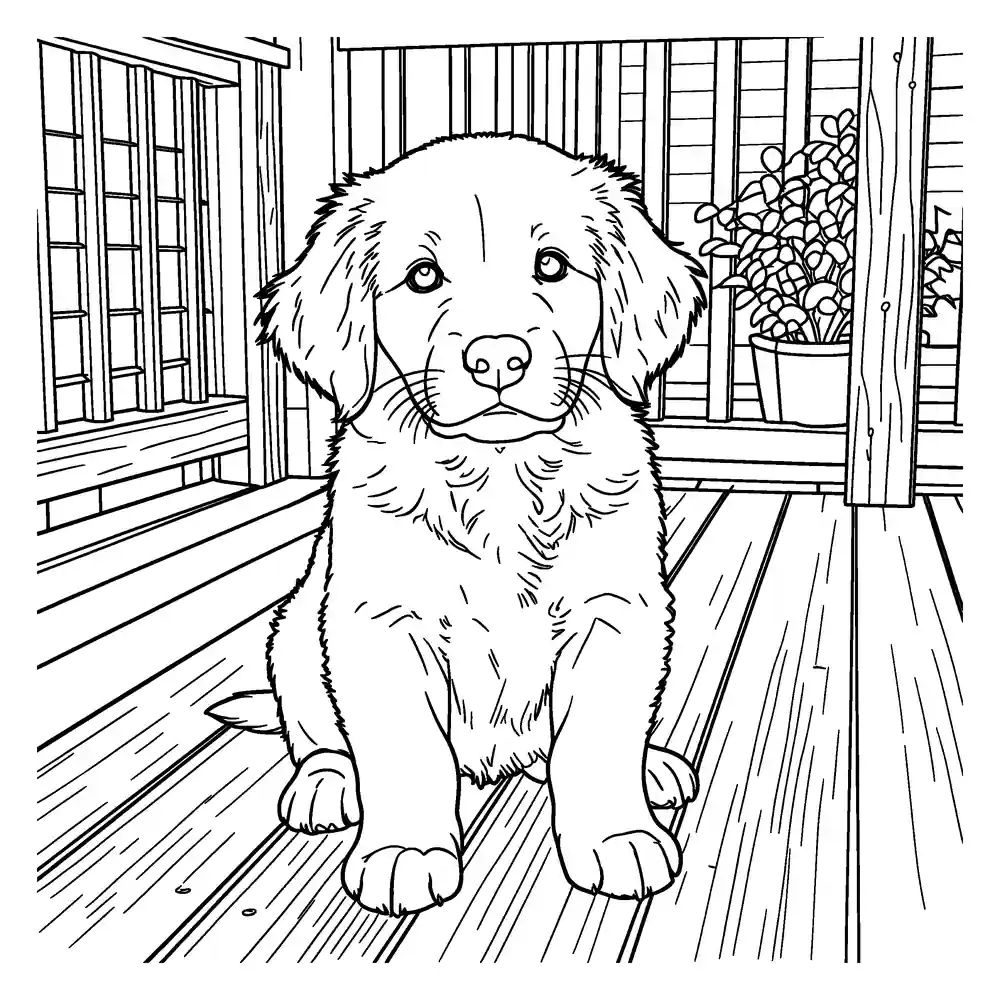
Every page in your book is a clean black-and-white drawing made from one of your photos. The cover uses your title, an optional name and one of your pages.
Ideas for a photo coloring book
- Birthday party favors: one page per guest, or a book of the birthday kid's year.
- A gift for grandparents: family photos they can color with the grandkids.
- A classroom book: photos from a class trip or event (with the permissions your school requires).
- A travel book: turn holiday photos into pages for the next long car ride.
- A wedding or anniversary book: choose Bold & detailed for thicker lines that try to keep faces, lace and veils.
Printing tips
- Print single-sided so markers don't bleed through onto the next picture.
- Print at “actual size” or “fit to page” for the best margins.
- The book is a PDF: print it at home, or take it to a local print shop for spiral or comb binding.
Frequently asked questions
How many pages can a book have?
A coloring book can have up to 12 pages in the free version. Each page in the book uses one of your free daily pages.
Can I get thicker lines without losing faces and lace?
Choose Bold & detailed. It asks for fewer, cleaner lines, then redraws them with an even, thick pen and uses a slightly thinner pen where lines sit close together, such as hair, lace and veils, so those areas stay open for coloring. It uses one free page, like the other detail levels.
Can I see the book before I download it?
Yes. Preview shows the cover and every page before the PDF is created.
Which paper sizes do I get?
Both. Each book is created as two PDFs: A4 (210 × 297 mm) and US Letter (8.5 × 11 in).
What happens if a page fails?
If a page can't be made for a technical reason, the free page it used is returned automatically. In a coloring book, only the failed page is returned — the others are kept.
What happens to my photo?
Your photo stays in your browser until you click Generate. For coloring pages and line art it is then sent to our AI provider, fal.ai, which makes the drawing. We send it with fal's request storage turned off, so it isn't kept in fal's request history, but fal processes it under its own terms and privacy policy. Outlines are traced on our own servers and never go to an AI provider. We delete the photo from our storage right after the page is ready (24 hours at most). Results are deleted after 7 days, or when you click Delete now.